Choose a pose, place its silhouette over the iPhone camera, and follow one clear visual or spoken cue at a time — for
the person posing and the person holding the phone.
Step back until the poser's full body fits in frame
Illustration of the PoseCue camera screen. The cues are real directions from the app; the scene is a drawing.
Why it helps
“Just act natural” is not a direction.
Most awkward photos come from two people who both want a good shot and neither knows the next move. PoseCue gives each of them one.
In front of the lens
The pose idea stays with you.
You saved a pose you liked. Now it sits in the viewfinder as a soft silhouette, so you are matching a shape instead of remembering one.
Weight, arms and angle are visible at a glance
Cues name one body part at a time
No guessing what “relax” means
Behind the phone
The photographer gets real directions.
Your friend does not have to be a director. PoseCue tells them where to stand, how high to hold the phone and when the shot is ready.
Framing help: step back, move closer, shoot level
Spoken cues keep eyes on the screen
A clear signal when the position looks good
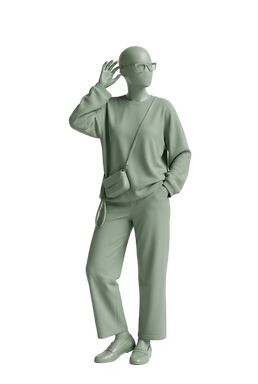
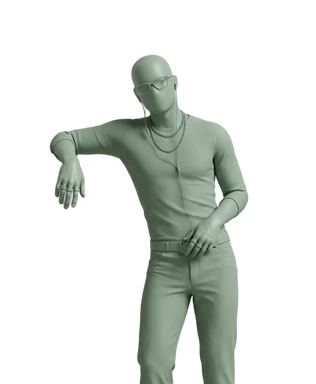
Pose library · a small sample
Keep a few go‑to poses ready.
Browse by setting, mood, framing and who is in the shot, then save the ones that feel like you. Here are ten from the
catalog; the full library lives in the app.
01
Shutter leanWall & surface leans
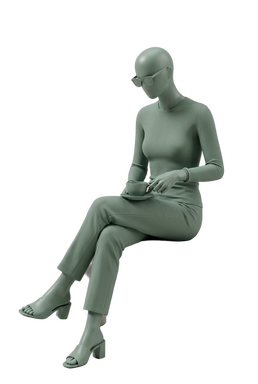
02
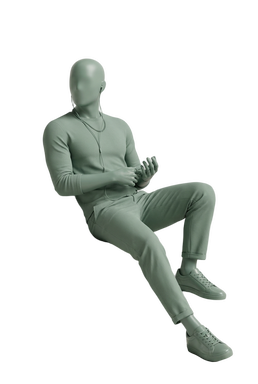
Café sipSitting & street
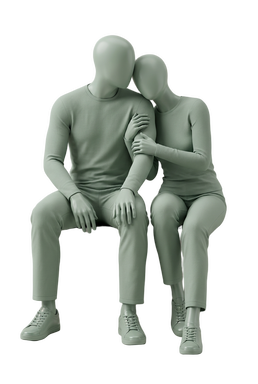
03
Cozy arm claspCouples
04
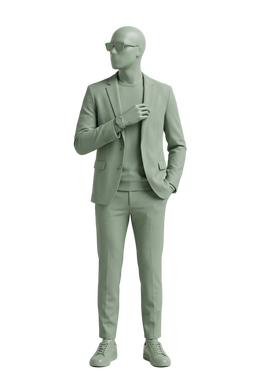
Suit adjust glanceMen
05
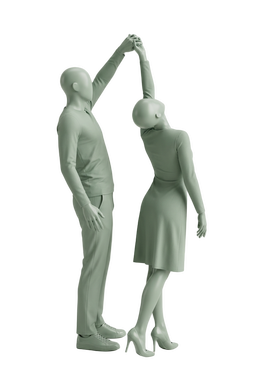
Spin under armCouples
06
Cheek cradleAngles & shapes
07
Iron rail reposeSitting & street
08
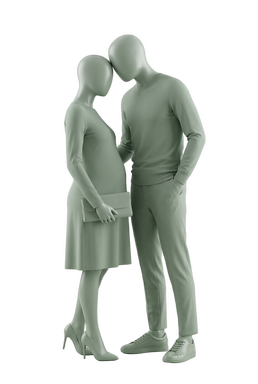
Brow to browCouples
09
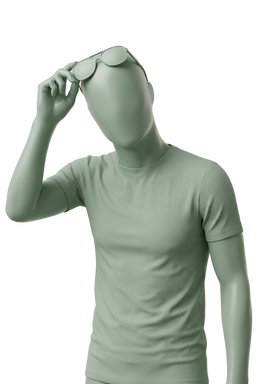
Sunglasses liftProps & objects
10
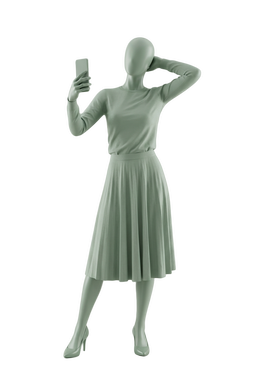
Mirror selfieProps & objects
How it works
Four steps from pose idea to saved photo.
01
Step 1: Choose
Search or filter the pose library by setting, mood, framing or number of people. Save favorites into your own lists.
02
Step 2: Place
Open the camera with the pose as a soft silhouette. Make the guide stronger or fainter, and switch between front and back cameras.
03
Step 3: Follow
PoseCue compares body placement with the reference and gives the next useful adjustment, on screen and out loud.
04
Step 4: Keep
Take the photo, keep it in PoseCue and Apple Photos, then fine-tune exposure, contrast, color and warmth in the built-in editor.
Guidance, two ways
See the shape. Hear the next move.
30%
60%
100%
Visual guide
Put the reference inside the frame.
The silhouette sits over the live camera so both people see the target. Fade it down when you only need a hint, or bring it
up to line up arms and legs.
Poser Raise your right arm higher
Poser Bend your left knee more
Photographer Lower the camera and shoot more level
Ready Position looks good. You can take the photo.
Spoken cues
Hear the next useful adjustment.
Short directions in English name who should move and what to change, so the photographer can keep watching the shot. Mute
them any time from the camera screen.
Live directions need a clear reference and a visible body. When a pose can't be analyzed, PoseCue says so and the silhouette still
works.
Guides
Practice the pose before the shutter.
Plain-language posing guides you can use with or without the app.
Standing, seated and portrait poses with direct notes for shoulders, hands, stance and camera height.
2 min read·Updated
FAQ
Questions before the first shot.
What does PoseCue do?
PoseCue connects pose ideas to the camera. Choose a pose, open it as a soft silhouette over the viewfinder, and follow visual or spoken guidance while framing the photo.
Does every pose support live guidance?
The silhouette works with supported catalog poses. Live comparison depends on a clear reference and a visible body, so PoseCue tells you when directions are unavailable and the camera keeps working.
Can I turn the spoken cues off?
Yes. Spoken guidance can be muted from the camera screen, and the on-screen cue stays visible.
Where are my photos saved?
PoseCue keeps a copy in its own gallery. With Photos permission it also saves to Apple Photos; if that save fails, the in-app copy is still there.
Is PoseCue available on Android?
PoseCue is being built for iPhone. Android availability has not been announced.
Take a pose from idea to camera.
Pick it, place it, follow the cue, keep the photo.